
LOADING
WELCOME TO THE LUX PRODUCT VISUALIZER
This visualizer is meant to provide a generalized model of what our cladding products look like in a real-world setting.
Note: The products and colours shown on the Visualizer have been reproduced to represent the actual products and colours as accurately as possible.
GAME READY !
Connection Issue
Lux connection issue. Please retry.
HeightZoomExposureDepth of Field
GENERATE IMAGE
How to information
Desktop icon
DESKTOP

Use the arrow or the WASD letters on the keyboard to move around.

In order to move the camera or the area viewing, press and hold the left mouse button and move the mouse to the area you would like to view

Touch screen icon
TOUCH SCREEN

For touch devices, use your left thumb in the bottom left corner to move around. A joystick will automatically appear when the bottom left corner of the screen is touched. To look around, drag your right index finger across the screen

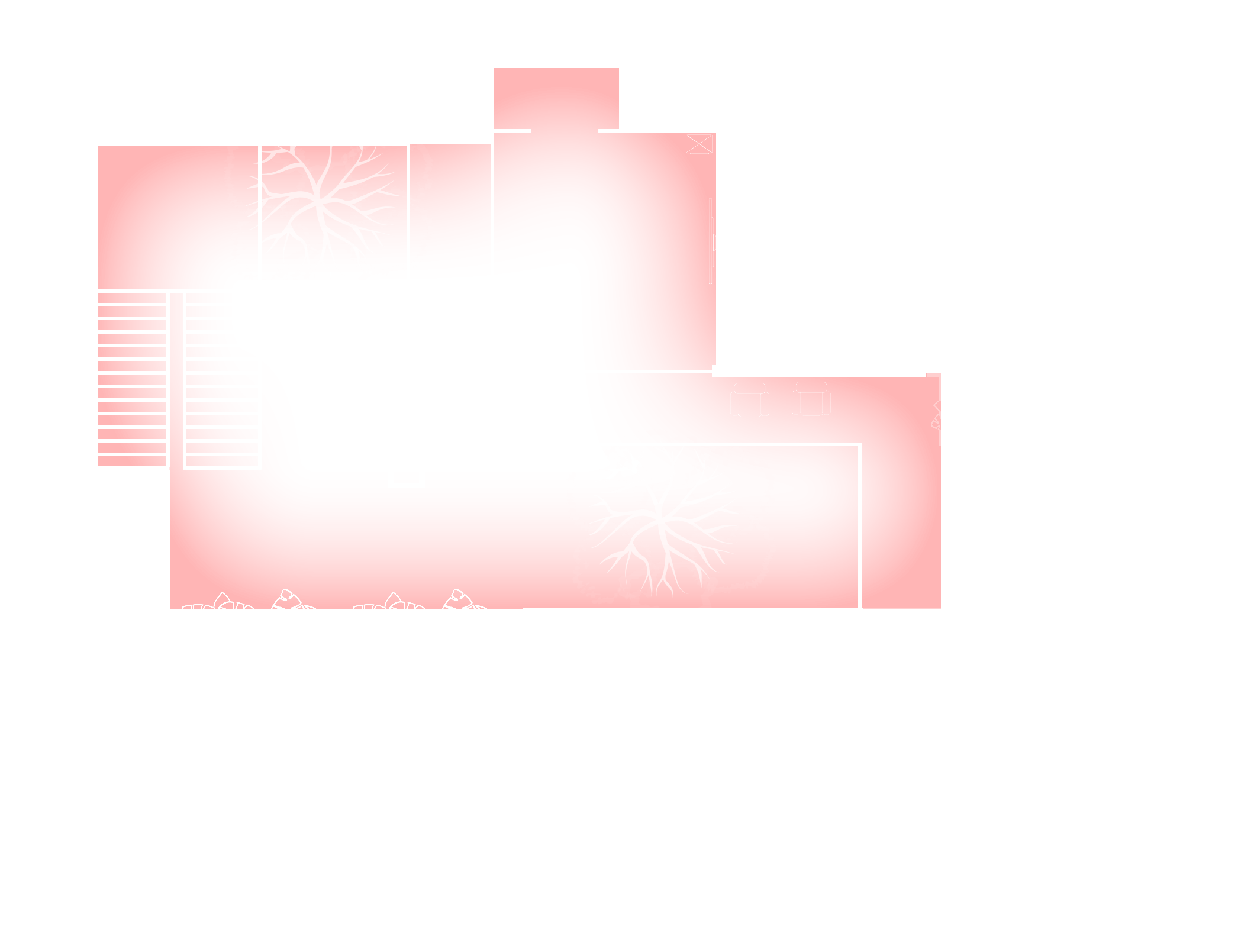
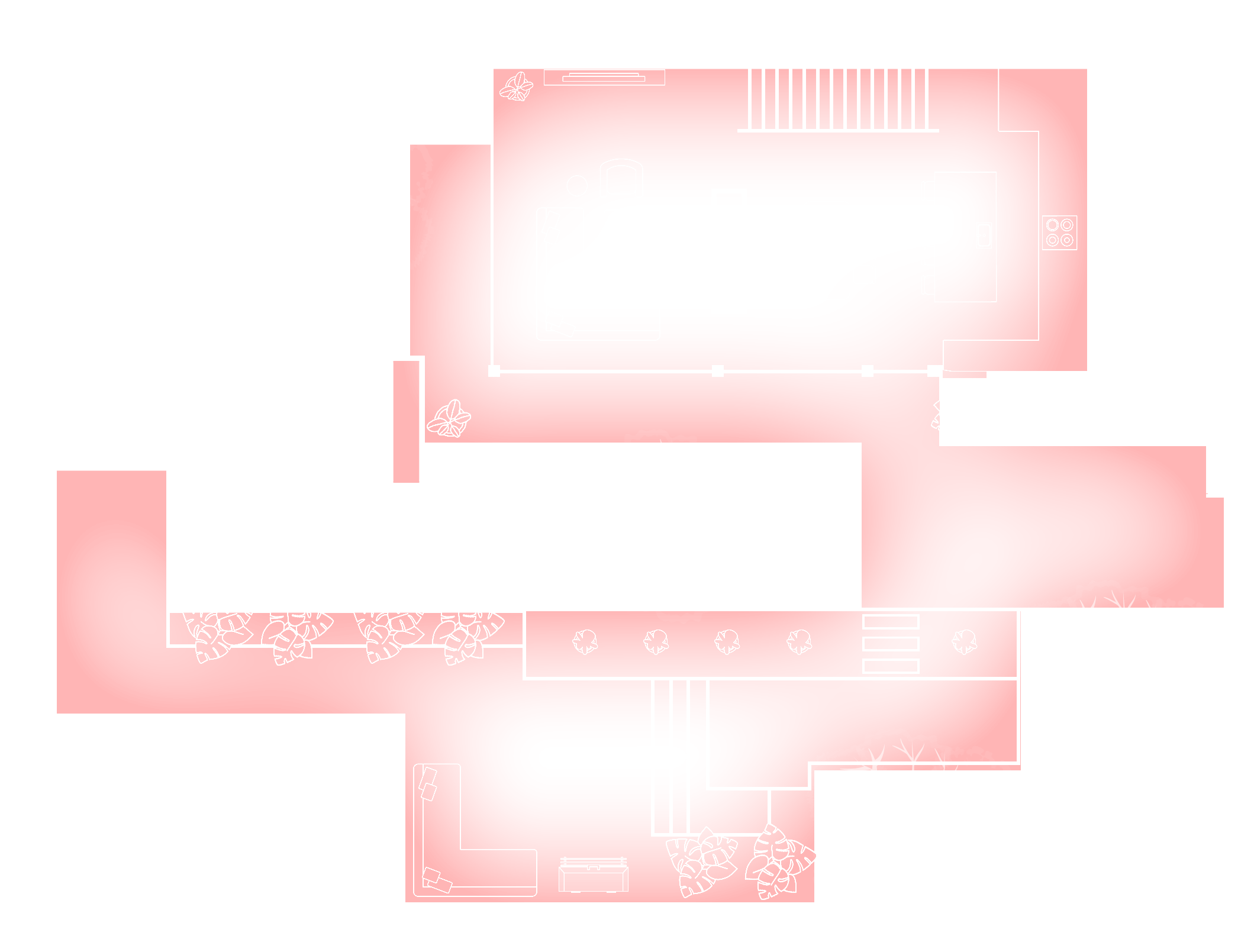
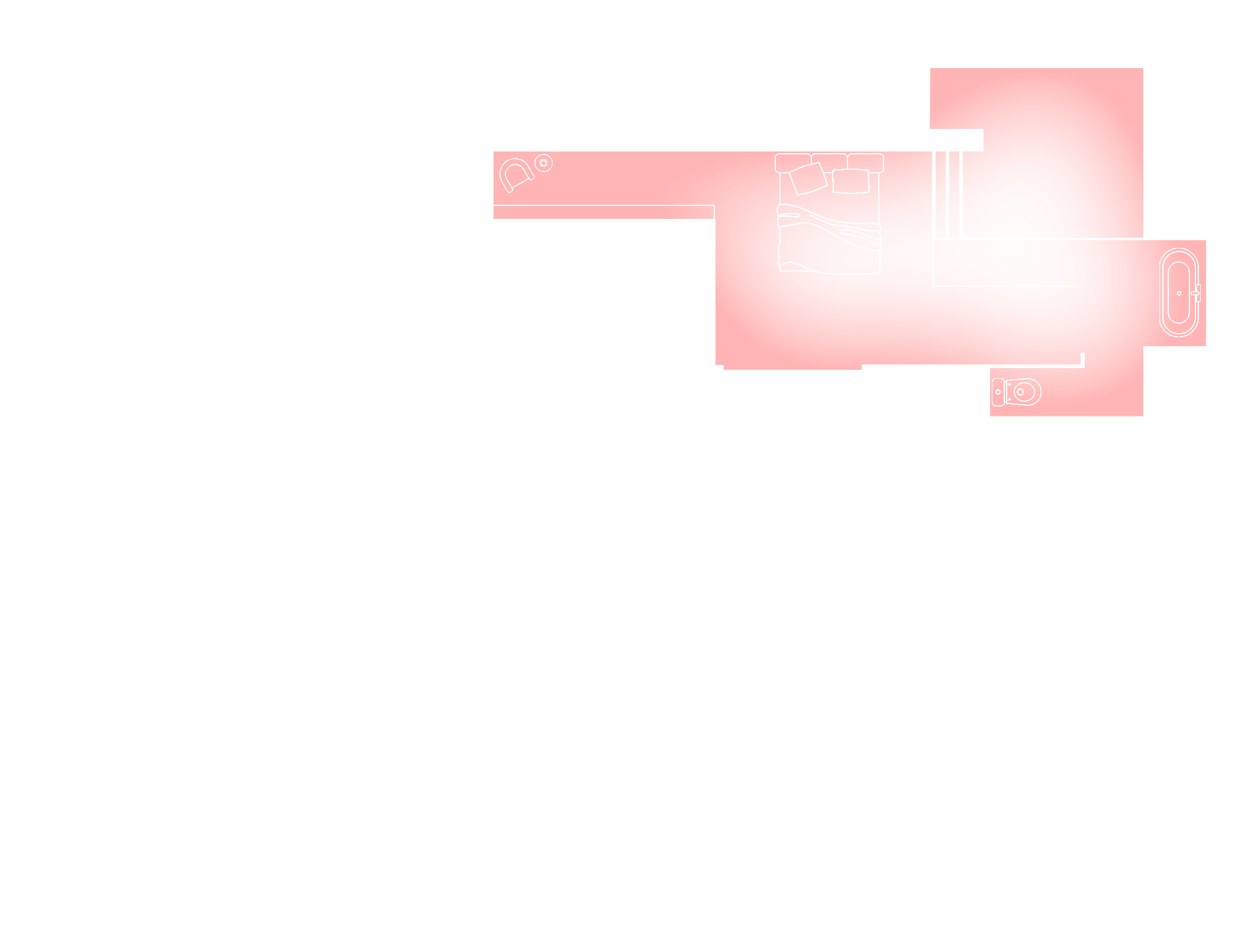
GROUND FLOOR
Modern home basement floor planModern home ground floor planModern home first floor plan
PROFILE TITLE
KNOTTY_CHESTNUT
PRIVACY SCREENS
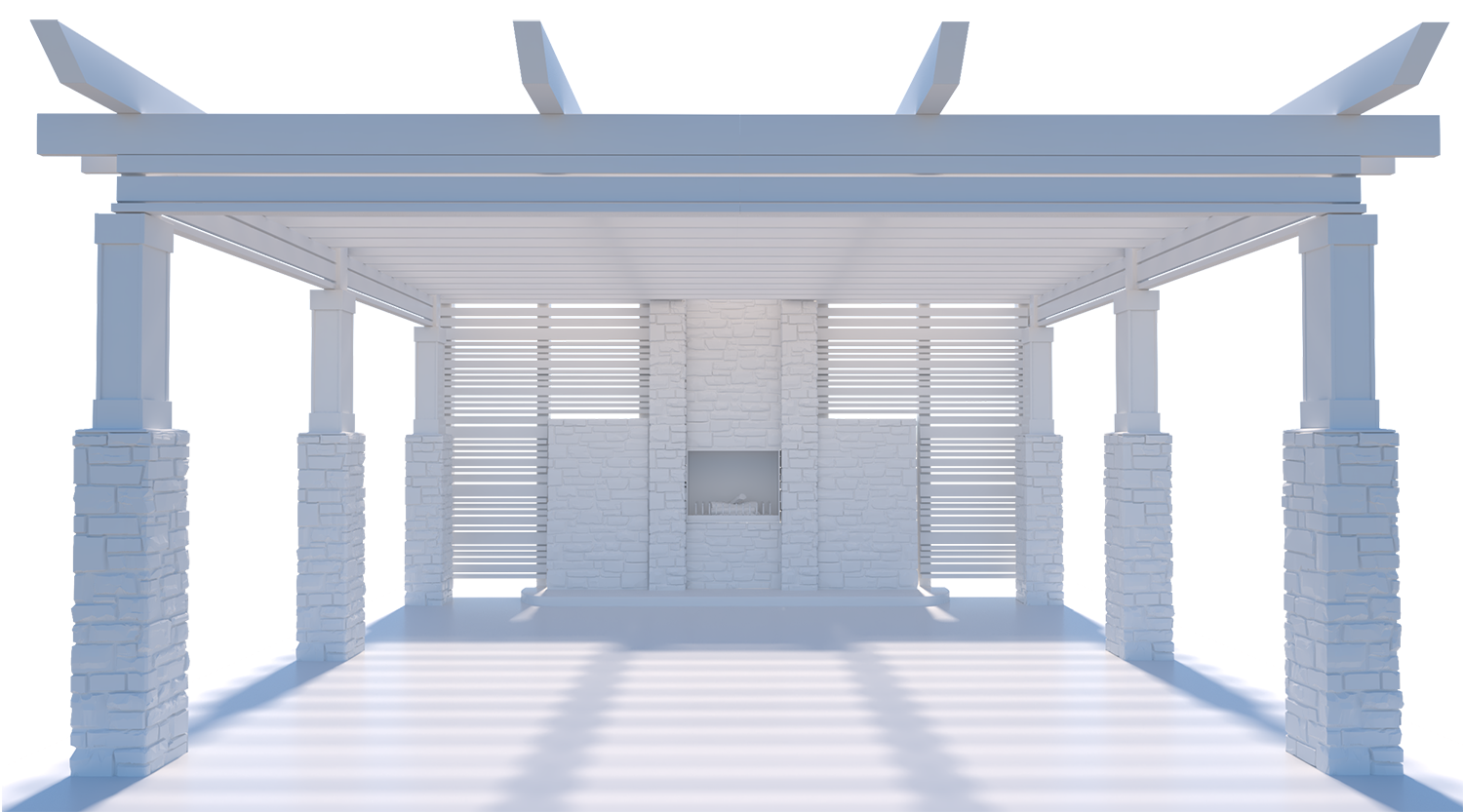
Add privacy screens by clicking on the plus icons below. Once a screen has been added, click the minus icon to remove
Pergola privacy screen layout
CHOOSE FINISH TYPE
KNOTTY CHESTNUT
WHITE OAK
HEMLOCK
SILVER WAVE
EDIT PROTRUSIONS
EDIT RECESS
EDIT BOTH
CHOOSE BUILDING
CHOOSE ENVIRONMENT
ARE YOU SURE YOU WANT TO END THE SESSION
Generating high resolution image